Pronto Invoice vs Invoice Ninja
Compare Pronto Invoice and Invoice Ninja side-by-side. Pricing, features, mobile experience, and self-hosting.
Updated February 2026 · Honest comparison from the Pronto Invoice team
Quick Comparison
| Feature | Pronto Invoice | Invoice Ninja |
|---|---|---|
| Starting Price | $0/month (Free plan) | $0/month (Free, 5 clients) |
| Unlimited Clients (Lowest Paid) | $5/mo (Starter) | $10/mo (Ninja Pro) |
| Unlimited Invoices | $12/month (Growth) | $10/month (Ninja Pro) |
| Self-Hosting Option | No | Yes (open-source, all features free) |
| Native Mobile Apps | iOS + Android (fully native, mobile-first) | iOS + Android (companion to web platform) |
| Offline Mode | Full offline support | Not available on cloud version |
| Recurring Invoices | Yes (Growth+) | Yes |
| QuickBooks Integration | Yes (Growth+) | Limited / add-on |
| Payment Gateway Integrations | Stripe, PayPal, Venmo, Zelle, Cash App, ACH, Cash, Check | 40+ gateways |
| Payment Processing Markup | $0 — use your own Stripe/PayPal rate | $0 — connect your own gateway |
| Time Tracking | Not currently available | Yes (with Kanban boards) |
| Project Management | Not currently available | Yes (tasks, projects, Kanban) |
| Multi-User Support | 3 users on Pro ($24/mo) | Yes (Enterprise, $14+/mo) |
| Client Portal | Yes (Pro) | Yes |
Invoice Ninja information based on publicly available data as of February 2026. Pricing and features may have changed. Visit Invoice Ninja's website for current information.
We’re Pronto Invoice, so naturally we think our product is the better choice. But this comparison is different from most of our competitor pages — because Invoice Ninja is genuinely impressive.
Invoice Ninja is an open-source invoicing platform that can be self-hosted for free with all features unlocked, or used as a cloud service starting at $10/month. It includes time tracking, project management, Kanban boards, and connects to 40+ payment gateways. It’s built by developers, for people who appreciate control and flexibility.
Pronto Invoice takes a fundamentally different approach: a mobile-first offline experience, a guided 5-step workflow, and a focus on speed for field service professionals who need to invoice on the go. Less configurability, more “get it done in about 60 seconds.”
This comparison lays out exactly where each platform excels — so you can choose the one that fits your workflow.
Pricing Comparison
Both platforms offer free tiers, but they work very differently.
Pronto Invoice Pricing
| Plan | Price | Invoices/Month | Key Features |
|---|---|---|---|
| Free | $0/mo | 2 | 3 clients, 3 templates, email delivery, mobile apps |
| Starter | $5/mo ($48/yr) | 25 | all templates, estimates, item library, expense tracking |
| Growth | $12/mo ($115/yr) | Unlimited | recurring invoices, QuickBooks, SMS delivery, payment reminders |
| Pro | $24/mo ($230/yr) | Unlimited | 3 team members, API access, custom branding, client portal, phone support |
Invoice Ninja Pricing
| Plan | Price | Invoices | Key Features |
|---|---|---|---|
| Free (Cloud) | $0/mo | Unlimited | 5 clients, basic features, Invoice Ninja branding |
| Ninja Pro | $10/mo | Unlimited | Unlimited clients, custom branding, all features |
| Enterprise | $14+/mo | Unlimited | Multi-user, advanced permissions, priority support |
| Self-Hosted | $0 (forever) | Unlimited | All features, your own server, full data ownership |
What the Numbers Mean
If you’re a solo freelancer with few clients: Invoice Ninja’s free plan gives you unlimited invoices (but only 5 clients). Pronto Invoice’s free plan allows 5 invoices a month with 3 clients, so Invoice Ninja’s free plan is more generous. For the lowest-cost paid option, Pronto Invoice Starter at $5/month gives you 25 invoices a month, while Invoice Ninja Pro at $10/month gives unlimited invoices.
If you can self-host: Invoice Ninja wins on price. Full stop. You get every feature for $0/month — forever. The trade-off is you need technical knowledge to set up, secure, and maintain a server (Laravel + MySQL/PostgreSQL). If that sounds natural to you, it’s hard to argue against free.
If you want cloud hosting: Pronto Invoice Growth at $12/month vs. Invoice Ninja Pro at $10/month. The $2/month difference gets you QuickBooks sync, SMS delivery, and payment reminders that Invoice Ninja doesn’t include.
Payment processing: Neither platform marks up your payment processing fees. Both let you connect your own payment gateway and pay your negotiated rate directly. Invoice Ninja supports 40+ gateways; Pronto Invoice supports Stripe, PayPal, Venmo, Zelle, Cash App, ACH, cash, and check.
Where Pronto Invoice Wins
True Offline-First Mobile Experience
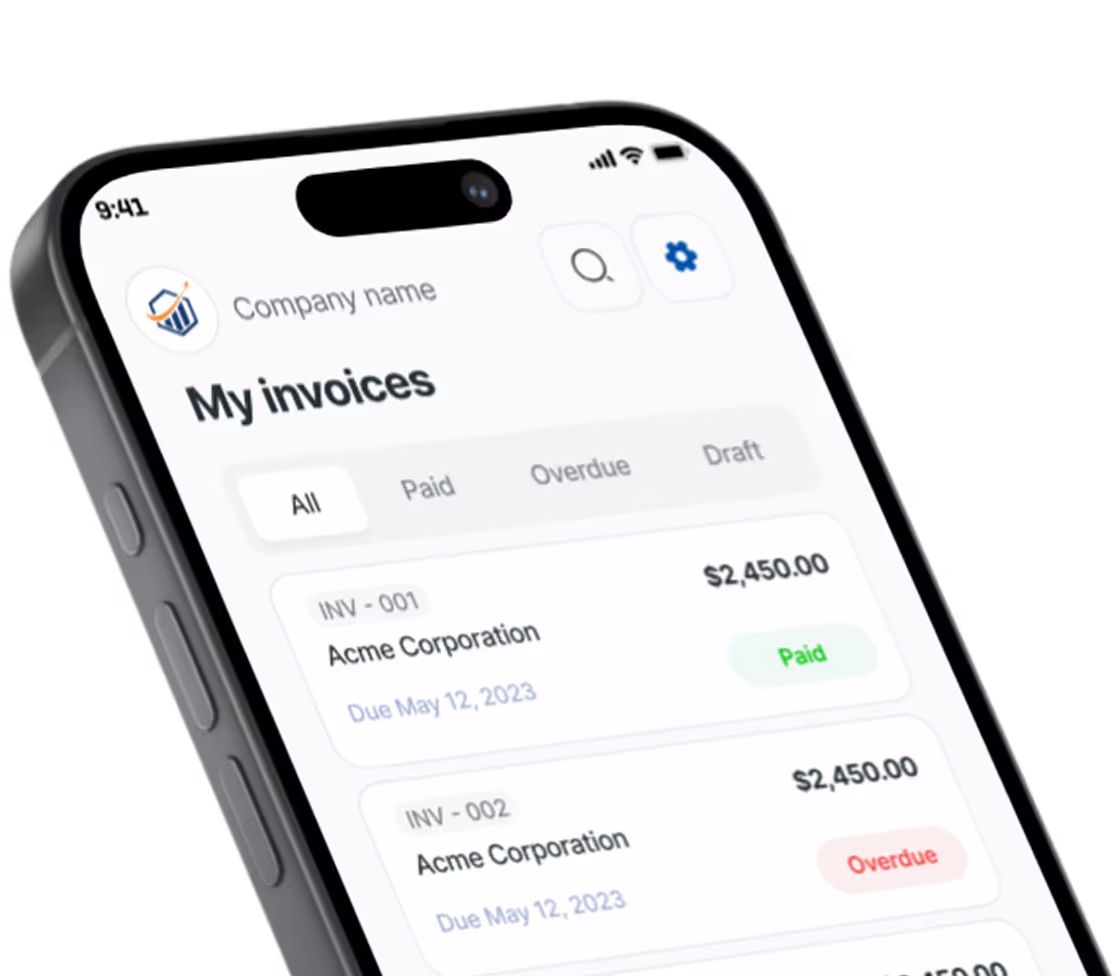
Pronto Invoice was built mobile-first — the phone app isn’t a companion to a desktop platform. It IS the product.
- Full offline support. Create invoices, add clients, manage items, and preview PDFs with no internet connection. Everything syncs when you reconnect.
- One-handed operation. Navigation and primary actions designed for thumb reach.
- Sub-2-second launch. Fully native iOS (SwiftUI) and Android (Jetpack Compose) apps.
Invoice Ninja has mobile apps (built with Flutter), but they function as companions to the web platform rather than standalone tools. The cloud version requires an active internet connection for all operations.
QuickBooks Integration
Pronto Invoice offers native QuickBooks Online sync on the Growth plan ($12/month). Invoices, clients, payments, and items stay synchronized in real time. For businesses that rely on QuickBooks for accounting, this eliminates double-entry.
Invoice Ninja has limited native QuickBooks support. Most users connect the two via third-party tools like Zapier, which adds complexity and potential sync delays.
SMS Invoice Delivery
Pronto Invoice lets you send invoices via text message (Growth plan, $12/month). For field service professionals, SMS gets faster responses than email — clients often open texts within minutes. Invoice Ninja delivers invoices via email and client portal links.
Where Invoice Ninja Might Be Better
We believe in honest comparisons. Invoice Ninja has genuine, significant advantages in several areas:
A More Generous Free Plan
Invoice Ninja’s hosted free plan includes unlimited invoices for up to 5 clients. Pronto Invoice’s Free plan is limited to 5 invoices a month and 3 clients. If you want to invoice a handful of regular clients for $0, Invoice Ninja’s free plan goes further.
Self-Hosting and Data Ownership
This is Invoice Ninja’s strongest card. The entire platform is open-source under the Elastic License 2.0. You can download it, install it on your own server, and run it indefinitely with all features — for free. You own your data completely. No vendor lock-in. No monthly fees. No feature gates.
For technically inclined users or businesses with strict data residency requirements, this is a major advantage that Pronto Invoice simply cannot match. Pronto Invoice is cloud-only.
Time Tracking and Project Management
Invoice Ninja includes built-in time tracking with Kanban boards, task management, and project organization. You can track time, organize tasks into projects, and convert tracked hours directly into invoices. Pronto Invoice does not offer time tracking or project management.
If your workflow involves tracking billable hours across multiple projects, Invoice Ninja provides a more integrated solution.
Payment Gateway Breadth
Invoice Ninja supports 40+ payment gateways — including regional processors, cryptocurrency options, and specialized B2B payment platforms. Pronto Invoice supports Stripe, PayPal, and manual payment methods (Venmo, Zelle, Cash App, ACH, cash, check). If you need a specific regional or niche payment processor, Invoice Ninja likely supports it.
Advanced Customization
Invoice Ninja offers deep customization: custom fields, workflow automations, and extensive API access. The open-source nature means developers can modify the platform itself. Pronto Invoice offers customization within its defined feature set but is less configurable overall.
What Competitor Users Say
What Invoice Ninja Users Say
“Best open-source invoicing solution out there. Self-hosted, free, and it does everything I need.” — Forum review
“Great feature set but the mobile app feels secondary to the web version. I mostly use it on my laptop.” — App Store review
“Love the flexibility and gateway support. The learning curve is steep but worth it.” — Community review
Who Should Choose Pronto Invoice?
Contractors and Field Service Professionals
You finish jobs on-site and need to invoice immediately. Pronto Invoice’s guided 5-step flow gets an invoice out in about 60 seconds, faster with saved clients and items. Offline mode works at any job site. Speed over configurability.
Non-Technical Small Business Owners
You want an invoicing app that works out of the box without configuring servers, managing databases, or learning complex interfaces. Download, set up your business info, and start invoicing.
Businesses That Need QuickBooks Sync
You rely on QuickBooks for accounting and need invoices to sync automatically. Pronto Invoice’s native integration is simpler than connecting Invoice Ninja via Zapier.
Making the Switch
Getting started with Pronto Invoice takes less than 2 minutes:
- Download the app (iOS or Android) or sign up on the web
- Enter your business name and email — that’s the only required setup
- Create your first invoice using the guided 5-step workflow
- Send it — via email, text, or share link
No data migration needed. Your Pronto Invoice account starts fresh, and you can build your client list and item catalog as you go.
Try it risk-free:
- Free plan: 5 invoices/month, no credit card required
- Paid plans: no trial — the free plan is your trial, and paid plans start as soon as you subscribe
Frequently Asked Questions
It depends on your needs. Invoice Ninja offers a self-hosted version that's completely free with all features — you can't beat $0/month. On their cloud platform, Invoice Ninja Pro costs $10/month for unlimited invoices. Pronto Invoice Growth costs $12/month for unlimited invoices but includes QuickBooks sync, SMS delivery, and payment reminders that Invoice Ninja doesn't offer. For the features you get, Pronto Invoice provides strong value — but if cost alone is the deciding factor and you can self-host, Invoice Ninja wins on price.
There is no direct import tool currently. However, Pronto Invoice is designed for fast setup. New clients are saved as you invoice, and you can save any new item to your library with one tap.
Yes. The mobile app works fully offline. Create invoices, add clients, manage items, and preview PDFs without internet. Everything syncs automatically when you reconnect. This is particularly valuable for field service pros working in basements, rural areas, or job sites with poor signal. Invoice Ninja's cloud version requires an active internet connection.
Yes, and this is one of Invoice Ninja's strongest advantages. The entire platform is open-source (built on Laravel and Flutter). You can host it on your own server, own all your data, and access every feature without paying a monthly fee. This requires technical knowledge to set up and maintain. Pronto Invoice is cloud-only with no self-hosting option.
Yes. QuickBooks Online sync is available on the Growth plan ($12/month) and above. Invoices, clients, payments, and items sync in real-time. Invoice Ninja has limited native QuickBooks support — most users connect via third-party tools like Zapier.
Not currently. Invoice Ninja includes time tracking, task management, Kanban boards, and project management features. Pronto Invoice focuses specifically on invoicing, estimates, and expense tracking. If you need built-in time tracking and project management alongside your invoicing, Invoice Ninja offers more in this area.
Related Comparisons
Pronto Invoice vs Billdu
European favorite meets mobile-first American challenger.
Read Comparison →Pronto Invoice vs FreshBooks
Accounting suite vs focused invoicing. Right-sized for your needs.
Read Comparison →Pronto Invoice vs InvoiceHome
Compare Pronto Invoice and InvoiceHome side-by-side. Pricing, features, mobile experience, and templates.
Read Comparison →Pronto Invoice vs Invoice Simple
Both built for simplicity — but only one has recurring invoices and QuickBooks sync.
Read Comparison →Pronto Invoice vs Invoice2Go
Mobile invoicing showdown: native apps, offline mode, and field service features.
Read Comparison →Pronto Invoice vs Wave
Compare Pronto Invoice and Wave side-by-side. Free invoicing vs offline-ready mobile invoicing. See pricing and features.
Read Comparison →