B2B Payments: Get Paid by Business Clients
How to get paid by corporate clients — ACH, payment links, avoiding AP rejection, and the exact invoice fields that pass the exception queue.


You just finished a $3,800 HVAC job for a property management company. The rooftop unit is back online, the building manager is happy, and you hand over the invoice on your way out. “We’ll process it in 30 days,” they say. You’ve heard that before — and you’ve also heard it turn into 45, 60, sometimes longer.
Getting paid by a homeowner is simple: they write a check or tap a card before you leave the driveway. B2B payments — getting paid by business and corporate clients — work nothing like that. There’s an accounts payable (AP) department, a purchase order, an approval queue, and a batch payment run that happens on someone else’s schedule. The good news: once you understand how that machine works, you can feed it the right invoice and get paid faster.
This guide covers how corporate AP departments pay, the seven ways business clients send money, the exact invoice fields that survive the approval queue, and how to protect yourself from the fraud that comes with bigger checks.
Why Getting Paid by Business Clients Takes So Long
When you bill a company, your invoice doesn’t go to a person who pulls out a checkbook. It enters a process. Understanding the steps tells you where the delays come from.
A typical corporate AP department runs your invoice through four stages:
- Capture. Your invoice gets logged into their system — scanned, emailed, or pulled from a portal.
- Match. They compare it against the purchase order (PO) and the proof that the work was done. This is the three-way match: invoice, PO, and delivery confirmation.
- Approve. A manager signs off. If anything doesn’t line up, it gets kicked to a review queue.
- Batch run. Approved invoices get paid in scheduled batches — often weekly or twice a month, not the day they’re approved.
That’s the normal path. Non-PO invoices typically clear in 7 to 14 days; PO-based invoices run 10 to 30 days once everything matches. Net 30, Net 60, and Net 90 terms stack on top of that — “Net 30” means payment is due 30 days after the invoice date, and a slow AP cycle eats into that window before the clock even feels like it’s moving.
Two more realities shape the wait:
- The exception queue. Between 15% and 35% of invoices get flagged for manual review — a mismatched PO number, a name that doesn’t match their vendor records, a line item that doesn’t match the order. Once you’re in that queue, a human has to clear you, and that adds days.
- Paper is still everywhere. Roughly 40% of US B2B payments are still paper checks (per data compiled by bill.com and Global Payments). If your client pays by check, build in mail time plus 5 to 7 business days for the check to clear.
None of this is personal. It’s just how the machine runs. Your job is to give it an invoice it can process without a human having to stop and ask questions.
7 Ways Business Clients Pay (and What Each Costs You)
Not every payment method costs you the same. Here’s how corporate clients actually send money and what each one takes out of your pocket.
1. ACH Bank Transfer
ACH moves money directly between bank accounts — the same rails that handle direct deposit. For B2B work, it’s usually the cheapest option: roughly $0.20 to $1.50 flat, or 0.5% to 1% capped, and it clears in 1 to 2 business days.
If a corporate client wants to pay by check, ask them to switch to ACH. The script is simple: “To speed up payment, I can take this by ACH bank transfer — here’s my routing and account number, or I can send a secure payment link.” Most AP departments prefer ACH; it’s cheaper and faster for them too. For the full breakdown, see ACH bank transfer for small business.
2. Payment Links in Invoices
A payment link removes friction. Instead of mailing a check or keying in your bank details, the client taps a link in your invoice and pays — card or ACH — in seconds. No check in the mail, no waiting for someone to cut a payment.
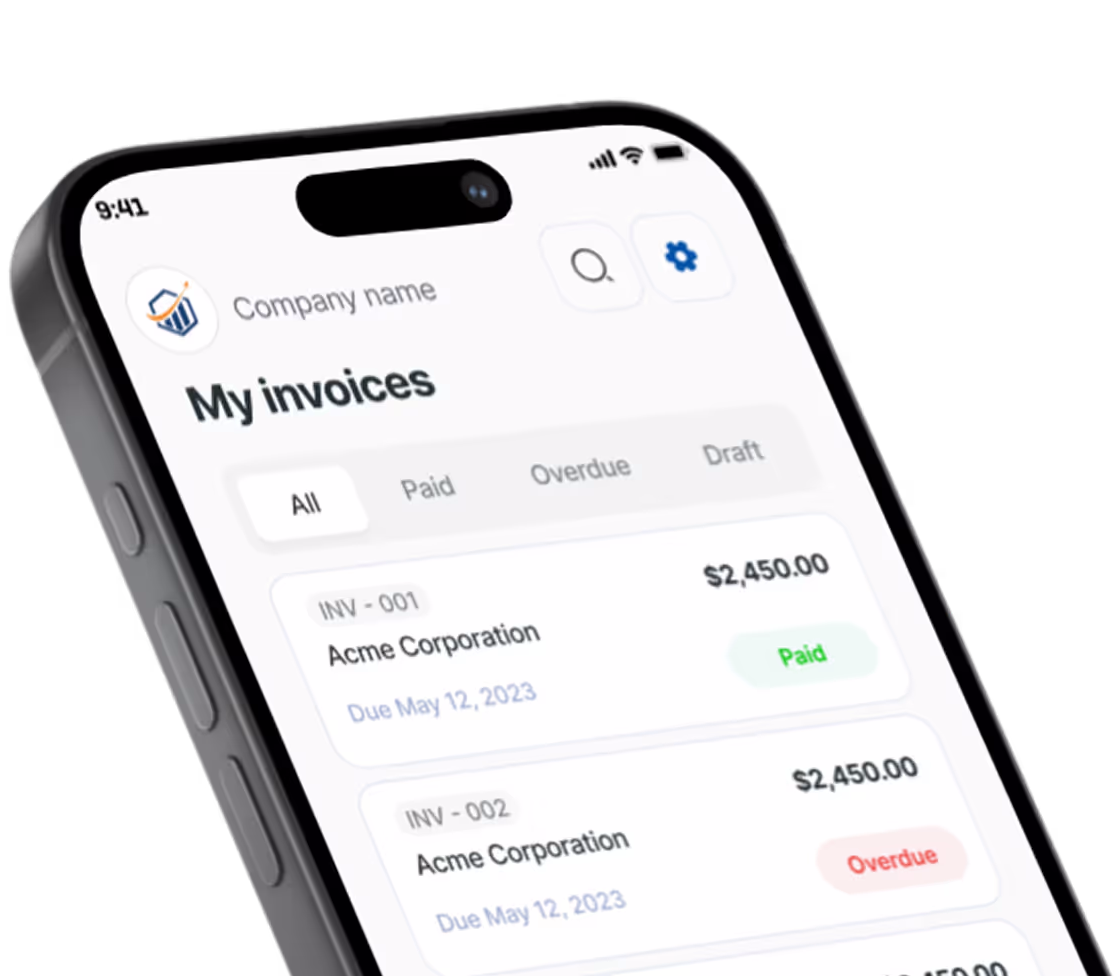
This is the single biggest lever you have for getting paid before the AP cycle drags on. Pronto invoices include a tap-to-pay link — clients pay without the check-in-the-mail delay.
3. Credit / Debit Card
Cards are fast and convenient, but they cost the most: 2.3% to 3.5% plus a per-transaction fee for B2B. On a $2,000 invoice, that’s roughly $50 gone. Worth it when speed matters or the client only wants to pay by card — not worth it as your default on large invoices where ACH would cost you a dollar.
4. Business Check
Checks still account for about 40% of US B2B payments, so you’ll keep seeing them — especially from older, established companies. The cost is technically $0, but the speed is the worst: 5 to 14 days between mailing and clearing.
To clear faster: confirm the exact mailing address and “remit to” name before they cut the check, deposit by mobile the day it arrives, and — this is the important part — don’t release any further work until the check actually clears, not just until it shows as “deposited.”
5. Wire Transfer
A domestic wire costs $15 to $30 outgoing and settles same day. That’s a flat fee, so it makes sense on large deals — a $40,000 build-out — but it’s wasteful on a $500 invoice. Reserve wires for big jobs where same-day settlement justifies the cost. The ACH vs wire transfer comparison breaks down exactly when each one wins.
6. Real-Time Payments (RTP) / Instant ACH
Real-time payment rails clear in seconds, any time of day. Adoption is growing fast through 2025 and 2026 as more banks connect to the RTP network and FedNow. The cost is similar to standard ACH — around $1 — but the money lands instantly instead of in a day or two. If your client’s bank supports it, it’s the best of both worlds: cheap and fast.
7. Early Payment Discount (“2/10 Net 30”)
Some clients will ask for a discount in exchange for paying early. “2/10 Net 30” means: take 2% off if you pay within 10 days, otherwise the full amount is due in 30.
Here’s the math you need to run. You’re giving up 2% to get paid 20 days sooner. Annualized, that works out to roughly 37% APR (2% / 98% × 365 / 20 ≈ 37.3%). That’s expensive money. Offering an early-pay discount only makes sense when your cash flow is tight enough that getting paid 20 days early is worth a 37% effective rate — or when you’re confident the client would otherwise pay very late. If you’re not cash-strapped, hold the line on full payment.
What Your Invoice Needs to Pass Corporate AP Review
This is the part most contractors get wrong. A great job and a sloppy invoice still gets you stuck in the exception queue. Remember, the exception queue catches 15% to 35% of invoices — and most of those flags come from missing or mismatched fields you control.
Here’s what corporate AP needs to clear your invoice on the first pass:
- PO number / reference number. Ask for it before you start the job, not after. A missing PO is the single most common reason a B2B invoice gets bounced. See what a PO number on an invoice is for how it ties everything together.
- Your legal business name + tax ID, matching their vendor master data. If you registered with them as “Smith Mechanical LLC,” don’t invoice as “Bob’s HVAC.” The names have to match their records exactly or the match step fails.
- Itemized line items that match the PO description. If the PO says “Rooftop unit #3 compressor replacement,” your invoice should say the same. Vague descriptions like “services rendered” invite questions.
- Signed work order or delivery confirmation as backup. Attach proof the work happened — a signed work order, a delivery photo, a completion sign-off. This is what the “match” step looks for.
- The correct submission method. Email, vendor portal, or EDI — ask their AP contact which one. Sending to the wrong channel means your invoice sits unseen.
Pronto’s invoice form includes a PO number field, itemized lines, and your business details by default — the fields corporate AP departments require. Get those right and you skip the exception queue entirely.
Payment Method Comparison Table
Here’s how the seven methods stack up on a typical $2,000 B2B invoice:
| Method | Cost on $2,000 invoice | Speed | Best for |
|---|---|---|---|
| ACH | ~$1 | 1–2 days | Recurring and large invoices |
| Payment link (card) | ~$50 (2.5%) | Instant | Convenience, on-site collection |
| Wire transfer | $15–$30 flat | Same day | Large deals only |
| Check | $0 | 5–14 days | When the client insists |
| RTP / Instant ACH | ~$1 | Seconds | Growing through 2025–2026 |
The pattern: ACH and RTP win on cost for anything sizable, cards win on convenience when you need to collect on the spot, wires are for big-ticket jobs only, and checks are the slow default you accept when a client won’t budge.
Getting Paid Before You Leave the Job Site
The fastest B2B payment is the one you collect before you pack up. Even with corporate clients, you can compress the timeline dramatically.
For a job you can close on the spot:
- Send the invoice from your phone the moment you finish. Don’t wait until you’re back at the truck or the office. The sooner it’s in their hands, the sooner the clock starts.
- Include a payment link. The client can pay in the same conversation — tap, done.
- Collect card or ACH on-site before you leave, if the client has authority to pay.
For a job billed to a company’s AP department, the on-the-spot collection usually isn’t possible — so set yourself up before you start:
- Request a PO before you begin the work. No PO, no clean payment.
- Confirm the AP contact and submission format — who receives the invoice and how (email, portal, EDI).
- Follow up with the invoice within 24 hours of finishing, so you’re at the front of the next batch run.
For more tactics on shortening the wait, see how to get customers to pay invoices faster.
How to Protect Yourself from B2B Payment Fraud
Bigger checks attract bigger scams. B2B payment fraud is common and costly — 63% of businesses have faced check fraud, and 44% of those never recovered the funds (Global Payments). Here’s what to watch for.
- ACH reversal risk. An ACH payment can be reversed for days after it shows up. Don’t treat “money received” as final until it has actually cleared and settled. Never release additional work or materials on a payment that could still bounce back.
- Fake payment confirmation scams. A scammer sends a screenshot or email “confirming” payment that never actually moves. Verify the money is in your account — don’t trust a confirmation image.
- Vendor account change request fraud. You get a message, supposedly from a client’s AP team, asking you to “update” the bank details on file. This is one of the most common B2B scams: they’re redirecting your future payments to their account, or impersonating you to redirect the client’s.
The simple defense for all three: call back on a number you already have — the one in your existing records — never the number or email in the suspicious message. A 30-second phone call to a known contact kills almost every one of these scams.
Frequently Asked Questions
What is B2B payment processing? B2B payment processing is how money moves from a business client to you, the vendor — through ACH, cards, wires, checks, or real-time rails — after their accounts payable department captures, matches, approves, and batches your invoice. It’s slower and more structured than consumer payments because of the approval steps involved.
How do I ask a corporate client to pay by ACH instead of check? Tell their AP contact: “To speed things up, I can take payment by ACH bank transfer — here are my account details, or I can send a secure payment link.” Most AP departments prefer ACH because it’s cheaper and faster for them too, so you’re usually pushing on an open door.
What does “Net 30” mean and can I negotiate shorter terms? “Net 30” means payment is due 30 days after the invoice date. You can negotiate — Net 15 or Net 10 is reasonable for smaller vendors, and offering a small early-pay discount can pull the date in. See the invoice payment terms guide for how each term works.
Is it worth offering a 2% early payment discount? Only if your cash flow needs it. A “2/10 Net 30” discount is roughly a 37% annualized cost — expensive money. If you’re not cash-strapped, hold out for full payment instead.
How long does ACH take to clear? Standard ACH clears in 1 to 2 business days. Same-day ACH and real-time payment rails (RTP, FedNow) can settle in seconds to hours where supported.
Can I charge a fee for credit card payments? In many states you can add a surcharge to cover the card processing fee, but rules vary by state and card-network policy, and some jurisdictions cap or ban it. Check your state’s rules before adding one — and disclose any surcharge on the invoice.
Get Paid by Business Clients Without the Wait
B2B payments are slower than consumer payments by design — but the timeline is yours to shorten. Get the PO before you start, send an itemized invoice that matches their records, include a payment link, and steer clients toward ACH. Do that and you skip the exception queue and the check-in-the-mail delay.
Send your first invoice with a payment link — Pronto Invoice is free to start, with no invoice caps.
There is always something more to read

How to Accept Payments Online
No website needed. Here is how to start accepting online payments as a small business — processors, payment links, and invoicing in one afternoon.

ACH Bank Transfer for Small Business: The Complete Guide to Low-Cost Payments
ACH bank transfer for small business saves 2-3% vs credit cards. Setup guide, fees, timing, and when to use ACH.

ACH vs Wire Transfer: Which to Accept
ACH vs wire transfer — which costs less when you're getting paid? Real fee math, Same-Day ACH explained, and when wires make sense for small business.